Applitools Service
> A WebdriverIO service for visual regression testing using Applitools
Installation
The easiest way is to keep @wdio/applitools-service as a devDependency in your package.json.
You can simple do it by:
Instructions on how to install WebdriverIO can be found here.
Configuration
In order to use the service you need to pass the Applitools API key. This can be set in your wdio.conf.js config file or pass APPLITOOLS_KEY in your environment so that it can access the Applitools API.
Also make sure that you added applitools to your service list, e.g.
Usage
Once the service is added you just need to call either the browser.takeSnapshot command or the browser.takeRegionSnapshot command to compare images within the badge. The browser.takeRegionSnapshot command takes two additional parameters: 1) region which must be of type Region|webdriver.WebElement|EyesRemoteWebElement|webdriver.By, and 2) frame of type webdriver.WebElement|EyesRemoteWebElement|string; see further details here. The command takes a screenshot name so Applitools can compare it always with the correct image from the baseline, e.g.
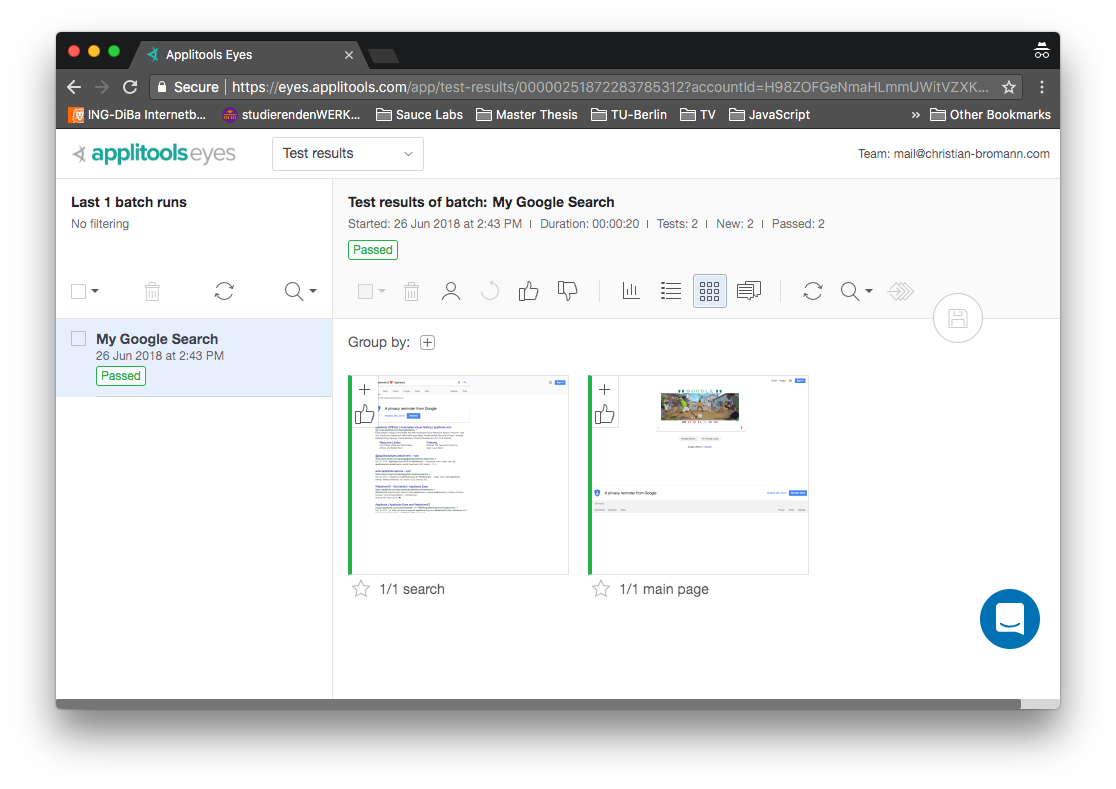
On the Applitools dashboard you should now find the test with two images:
Configuration Properties
key
Applitools API key to be used. Can be passed via wdio config or via environment variable APPLITOOLS_KEY
- Optional
- Type:
string
serverUrl
Applitools server URL to be used
- Optional
- Type:
string - Default: Public cloud url
viewport
Viewport with which the screenshots should be taken.
- Optional
- Type:
object - Default:
{'width': 1440, 'height': 900}
proxy
Use proxy for http/https connections with Applitools.
- Optional
- Type:
object - Example:
For more information on WebdriverIO see the homepage.