Dot Reporter
> A WebdriverIO plugin to report in dot style.
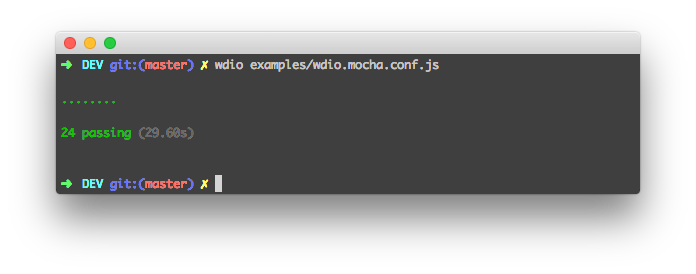
Installation
The easiest way is to keep @wdio/dot-reporter as a devDependency in your package.json.
{
"devDependencies": {
"@wdio/dot-reporter": "^5.0.0"
}
}
You can simple do it by:
npm install @wdio/dot-reporter --save-dev
Instructions on how to install WebdriverIO can be found here.
Dot reporter does not currently support test failure output. You can track progress on this feature here. Spec Reporter can be used in the meantime.
Configuration
Following code shows the default wdio test runner configuration. Just add 'dot' as reporter
to the array.
// wdio.conf.js
module.exports = {
// ...
reporters: ['dot'],
// ...
};
Development
All commands can be found in the package.json. The most important are:
Watch changes:
$ npm run watch
Run tests:
$ npm test
# run test with coverage report:
$ npm run test:cover
Build package:
$ npm build
For more information on WebdriverIO see the homepage.